A new page every day · color your peace

pau.

A calm coloring book
made for iPad.

Open it, pick a page, and breathe. Hand-drawn line art, a handful of natural brushes, and a Metal-accelerated canvas tuned for Apple Pencil. No ads, no accounts, no noise — just ten quiet minutes to color your peace.

iPad · Apple Pencil Free to use · optional Premium No ads. No accounts.
Made for iPad · Apple Pencil · Lifestyle
Why pau.

Most coloring apps are tap-to-fill puzzles wrapped in ads. pau. is a single, quiet canvas — built the way a Sunday afternoon should feel.

A coloring book that actually lets you put your phone down.

01 · Private by design

No sign-up.
No analytics. No ads.

No login screen, no email collection, no profile, no friends list, no leaderboard, no social feed. No third-party analytics, advertising, or tracking SDKs of any kind. Your coloring stays on your iPad.

02 · Hand-drawn art

Pages drawn,
not generated.

A curated library of hand-drawn line-art pages, grouped into themed books — animals, florals, mandalas, and more. Nothing on the canvas was made by a machine.

03 · Real brushes

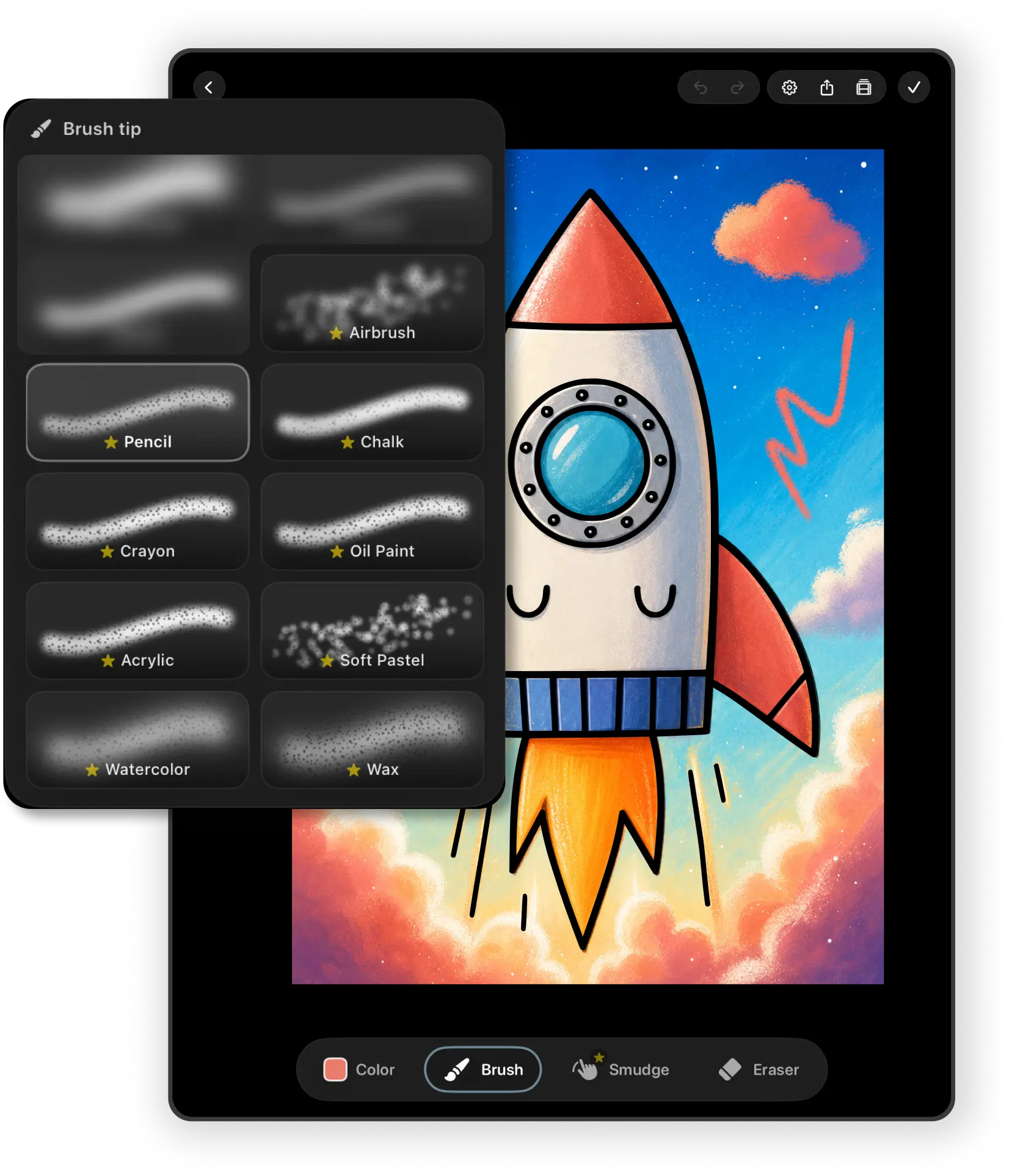
Pencil, marker,
watercolor & smudge.

A small set of natural brushes you'll actually reach for — and a real smudge tool that blends color the way you would on paper. Full pressure response with Apple Pencil.

Inside pau.

Small app.
A lot of care.

01 · The canvas

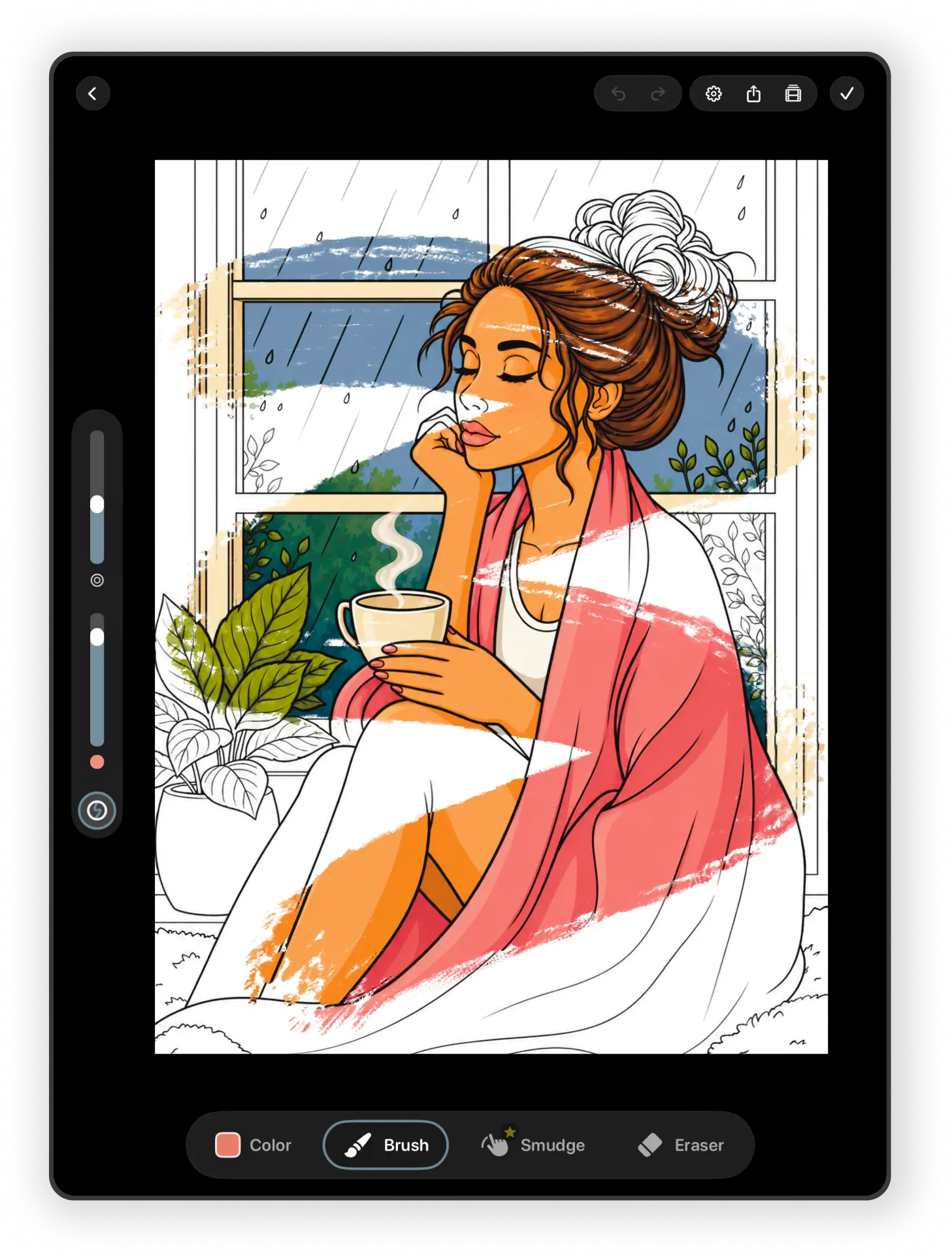
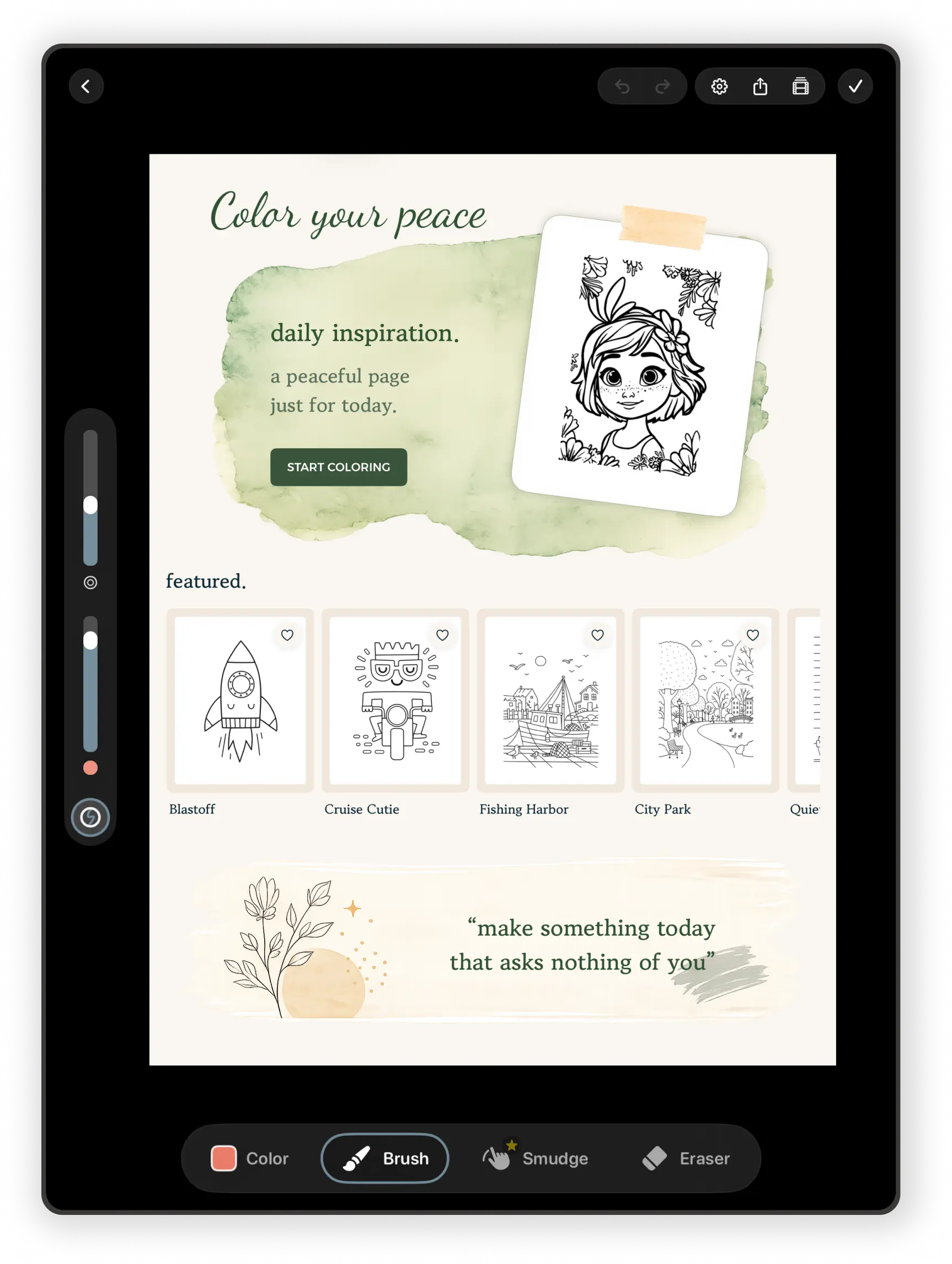
A Metal-accelerated canvas that feels like paper under your hand.

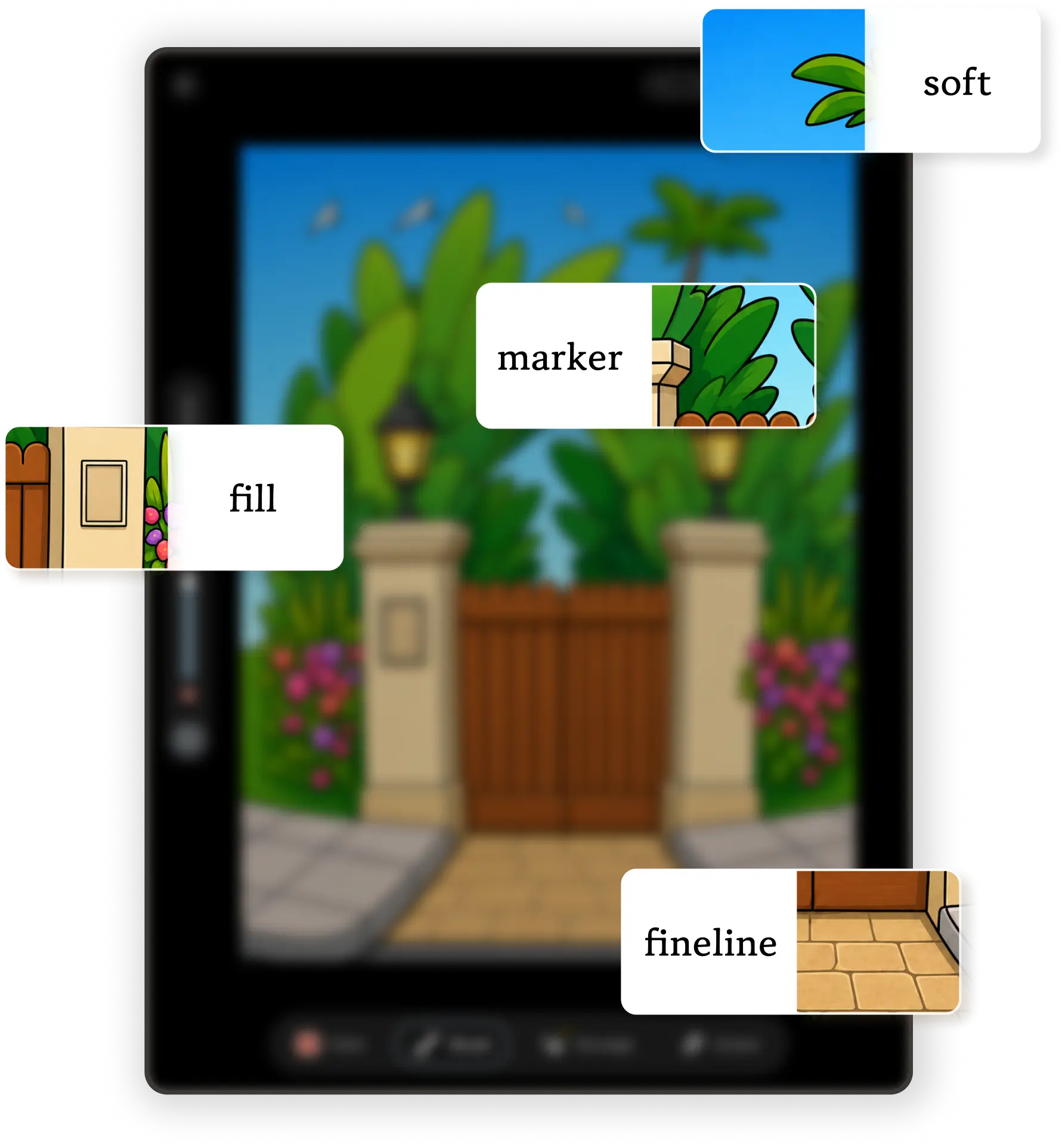
pau. ships with a small, deliberate set of natural brushes: soft pencil, marker, watercolor, and a real smudge tool for blending the way you would on paper. The canvas is GPU-accelerated and stays buttery on long, slow strokes — even at full zoom.

  • Natural brushes · pencil, marker, watercolor, smudge & more
  • Apple Pencil with full pressure response · finger works too
  • Adjustable size & opacity from a single toolbar
  • Generous undo / redo, pinch to zoom, two-finger pan
02 · Your library

Themed books, favorites, and a quiet shelf of your own work.

Browse hand-drawn pages organized into themed books — animals, florals, mandalas, and more. Heart the ones you love into Favorites. Anything you've started a stroke on lands in My Works automatically — pau. saves your progress on every page, every time, with no "save" button to think about.

  • Library, Favorites, Continue, and My Works — four calm tabs
  • Auto-saved progress · close the app any time, the canvas remembers
  • Save finished pieces to the Photos app whenever you like
  • Everything stays on your iPad · no cloud, no accounts
03 · Color your peace

A new page, chosen for you every day on the Home tab.

Every morning the Home tab opens to a fresh "color your peace" page, paired with a quiet rotating quote. It's there if you want it, gone if you don't — no streaks, no nag, no "you haven't colored in three days". Just a small, gentle ritual.

  • A new daily page on the Home tab, with a rotating mindful quote
  • Featured strip · pick up exactly where you left off · recent grid
  • Bundled pages render instantly offline · new pages stream from our Library
  • No streaks, no badges, no push notifications nagging you back
Weekly drops

A small bundle of new pages, every Friday.

Every Friday morning a fresh bundle of hand-drawn pages quietly arrives in your library — usually gathered around a theme (September dried flowers, November kitchenware, windows in January). They stream in from our Library with no app update needed, and once they're on your iPad they're yours for as long as you want them.

~4
new pages every Friday
undo · offline · auto-save
0
ads, trackers, accounts
Kind words

Reviews that made us quietly happy.

Every email read by a human · pau@visoolabs.com
The first app I've ever opened on my iPad that lowered my blood pressure instead of raising it. No streaks, no nag, no account. Just a little quiet button on my home screen.
MR
Maia R.
App Store · 5 stars
The watercolor brush is the closest thing I've ever felt to real paint on an iPad. The smudge tool sealed it — I've already filled a small folio without noticing the time.
JL
James L.
App Store · 5 stars
I color with my daughter on Sunday mornings and we both forget our iPads are connected to anything at all. That's the highest compliment I can give a piece of software.
SK
Sofía K.
App Store · 5 stars
Premium

Free to use. Optional Premium when you want more.

The free catalog is real and refreshed regularly — try pau. for as long as you like, no card required. Premium unlocks the full library and every future page. Length and price of each plan are shown clearly on the in-app paywall before you commit.

Free

For trying it out — forever. No card. No trial timer. No account. $0/ forever

  • Full coloring canvas · Apple Pencil & finger
  • The free catalog of hand-drawn pages
  • The daily "color your peace" page on Home
  • Soft pencil & marker brushes
  • Save your finished pieces to Photos
  • Auto-saved progress · favorites · my works
Download free

How billing works

The honest fine print, in one card. Apple handles it, we never see your card.

  • Payment is charged to your Apple ID at confirmation
  • Subscription renews unless turned off 24h before period end
  • Manage or cancel anytime in Settings → Apple ID → Subscriptions
  • Any unused free-trial portion is forfeited on purchase
  • Refunds are handled by Apple via reportaproblem.apple.com
  • Prices shown in your local currency at checkout
Read the terms
Questions

Small answers to reasonable questions.

Can't find what you're looking for? We answer every email personally — pau@visoolabs.com.

pau. is designed first for iPad, with Apple Pencil in mind — that's where the canvas, the brushes, and the layout really shine. Apple Pencil isn't required, though; a finger works perfectly well too.
No. There is no account system in pau. The app opens straight to Home with the full free catalog available — no login, no email, no password, no online identity. The only identity in play is your Apple ID, used by the App Store for downloads and Premium billing.
No. There are no third-party analytics, advertising SDKs, or tracking tools of any kind — no Firebase, Mixpanel, Amplitude, Sentry, or anything similar. The only network call pau. makes is to our ever-changing Library to fetch the catalog of pages. No data leaves your device.
You keep every page you've worked on. My Works, your favorites, and all saved strokes stay on your iPad. After your billing period ends, the premium-only pages and brushes re-lock until you re-subscribe — but anything you've already exported to Photos is yours to keep forever.
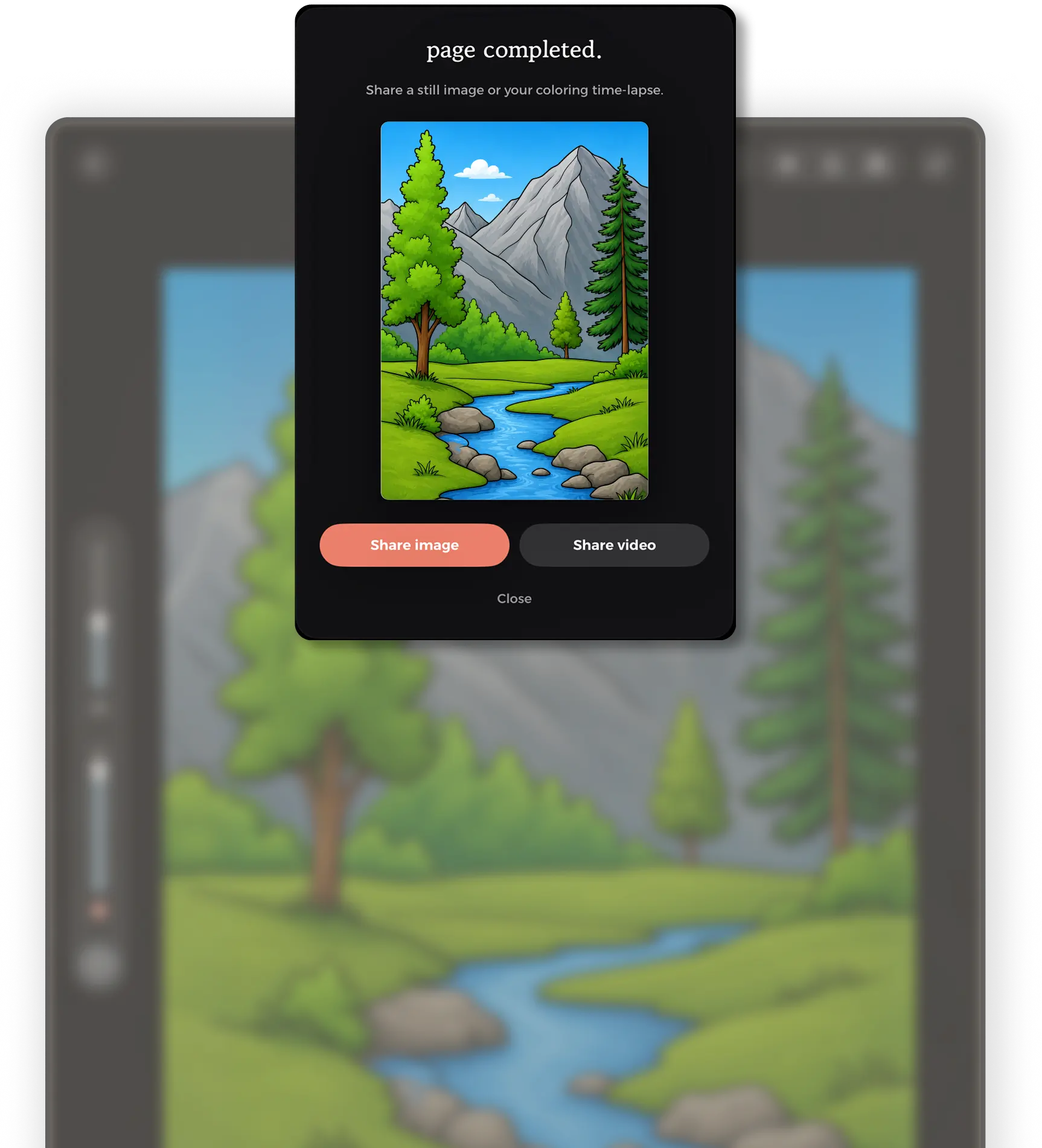
Yes. Tap the share button on the canvas and pau. will save your artwork straight to the Photos app. The first time you do this, iOS will ask for the standard "add to Photos" permission. From there you can print, message, post, or just keep it on your device.
Open the gear icon in the tab bar and tap "Send feedback" — it opens the iOS Mail composer pre-addressed to pau@visoolabs.com. We read every email personally, usually within a business day.
Not right now. pau. is iPad-first by design — the canvas, the toolbar, and the reading rhythm of the daily page only really work at iPad size. We'd rather make one calm app properly than three rushed ones.
Most pages are hand-drawn but we may sometimes use AI tools as part of the illustration workflow — when we do, every page is still curated and finished by us before it reaches the app.
A tiny independent studio called Visoo Labs, based in Slovenia. If you enjoy the app, telling a friend genuinely helps.
Download

Put the iPad
down, gently.

pau. is free to download and small enough to fit in a lunch break. A new page is waiting on the Home tab — we'd love for one of them to be yours.