A coloring app built around Apple Pencil.
Most apps say they support Apple Pencil. Here's what that actually means in pau.

Pressure decides how much paint, not just how big
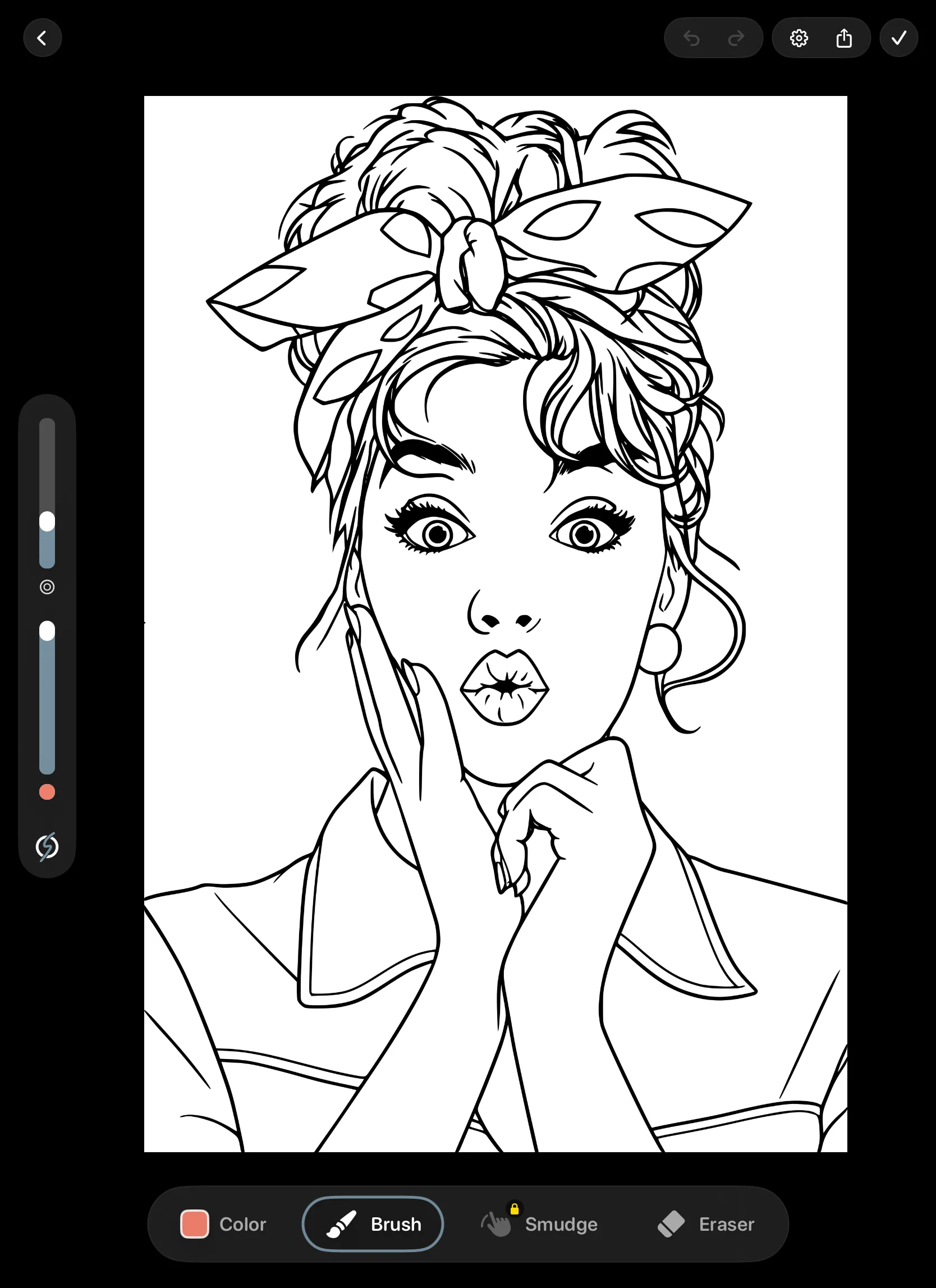
Apple Pencil reports how hard you press many times a second. In a lot of apps, that only changes stroke size. In pau., pressure also controls how much paint a brush loads. A light touch with a watercolor brush gives you a thin, see-through wash. Press into it and the color deepens.
The pressure curve matters as much as the pressure. If it's too steep, light strokes barely register and you end up pressing hard all evening.
Tilt, for shading like a real pencil
Lean a compatible Apple Pencil over and brushes that use tilt respond the way a pencil does on its side: a broader, softer mark for shading large areas. Stand it up again for detail. You don't switch tools, you just change your grip.
Keeping the line close to the tip
The small gap between the Pencil tip and the line is what makes digital coloring feel "floaty." pau. draws on the GPU with Metal and uses the extra touch samples iPadOS sends between screen refreshes, so curves stay smooth when you move quickly.
For simple brushes, pau. also draws a short predicted stroke just ahead of the tip and corrects it a moment later, which makes the line feel attached to the Pencil.
Clean edges next to the lines
Line art has soft, anti-aliased edges. A simple fill stops partway into that softness and leaves a pale halo around every shape. pau.'s region selection and brush clipping are tuned to sit right up against the line, including around thin borders and narrow gaps.
Clipping keeps a brush inside the region where your stroke started, so you can color loosely. If you'd rather paint across lines, switch it off, or fade the outlines with the outline-opacity slider for a softer finish. Clipping turns off when outlines are faded, because there's no longer a clear line to clip against.
Paint that mixes like paint
On most screens, blue worked into yellow turns grey, because the app is averaging light. Real pigment turns green. pau.'s painting brushes mix like pigment and pick up color that's already on the page, so a second layer drags a little of the first one with it.
That's what makes glazes build up in layers, watercolor bleed into wet edges, and thick paint look dry and broken over the paper grain. When you want to soften an edge, the three Blend tools (Gouache Blender, Textured Blender, and Watery Brush) move the paint you've already laid down.
57 brushes, sorted the way you think
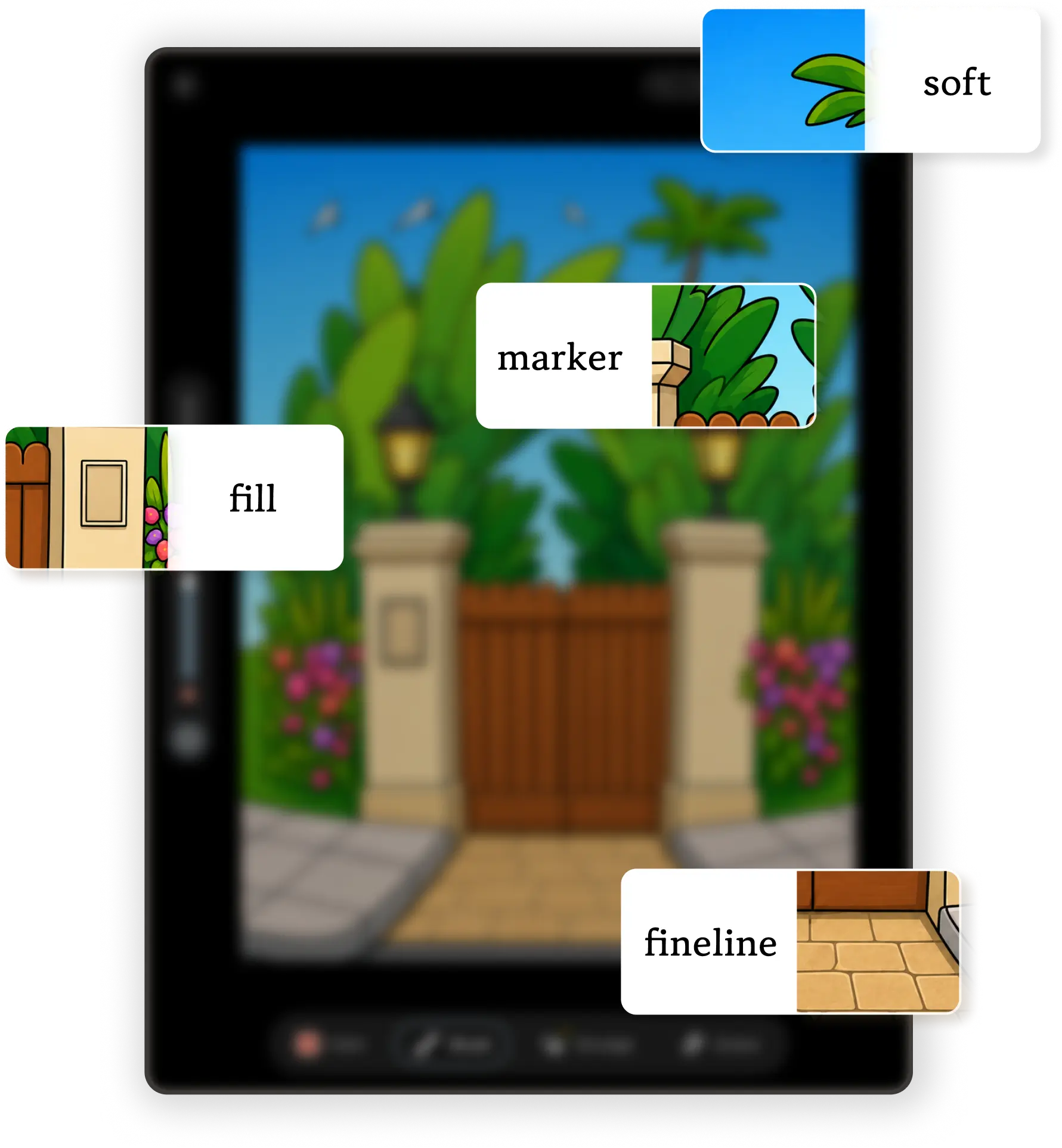
Four are free: Hard Round, Soft Round, Fineliner, and Marker, plus Fill. The other 53 come with Premium or the one-time Unlock All Tools purchase. Every brush, eraser, and blender remembers its own size and opacity, so switching tools doesn't reset your settings.
| Family | Brushes |
|---|---|
| Pencils | Soft Pencil, Sketch Pencil, Mechanical Pencil, Pencil, Charcoal |
| Ink | Ink Pen, Brush Pen, Detail Pen, Bristle Pen, Dry Ink |
| Paint | Gouache, Dry Gouache, Oil Paint, Thick Oil, Wet Paint, glazes, bristle brushes, Palette Knife, airbrushes, and more |
| Watercolor | Watercolor, Flat Watercolor, Watercolor Wash, Wet Wash, Soft Bleed, Rough Wash, Wet Edges |
| Texture | Chalk, Crayon, Pastel, Glow, splatters, Sponge, Canvas, Leaves, and more |
No Pencil? That's fine
Turn on finger drawing in canvas settings and color with your fingertip. Two-finger tap undoes, and pinch, pan, and rotate keep working. You lose pressure and tilt, but Fill and clipping still do the careful part.
pau. runs on iPad and iPhone. See what else is included on the adult coloring app for iPad page, or compare it with Pigment, Lake, and others in our guide to the best coloring apps for iPad.
Questions
Which coloring app is best for Apple Pencil?
Pigment, Lake, and pau. all respond to Apple Pencil pressure. Pigment gives you the most settings, Lake the most curated artwork, and pau. the quietest experience, with pigment-style paint mixing on its painting brushes.
Does pau. support Apple Pencil tilt?
Yes, on Apple Pencil models that report tilt. Brushes that use tilt change their mark when you lean the Pencil over, like shading with the side of a pencil.
Can I use pau. without an Apple Pencil?
Yes. Turn on finger drawing in canvas settings. Two-finger tap undoes your last stroke, and pinch, pan, and rotate keep working.
Which brushes are free?
Fill plus the Hard Round, Soft Round, Fineliner, and Marker brushes, and four eraser tips. The other 53 brushes and the three Blend tools come with Premium or the one-time Unlock All Tools purchase.
Color naturally with Apple Pencil.
Try the free brushes on a free page. If they feel right, the rest of the studio is there when you want it.