That feeling when you need to switch off your brain, but you don’t want to keep doom-scrolling for another hour? A good coloring app gives you a tiny pocket of quiet. You open it, pick a page, tap or shade for a few minutes, and your brain finally stops trying to run twelve tabs at once.
The problem is that most lists of good free coloring apps blur together. They talk about “tons of features” and “creative fun,” but they skip the part people care about. Does it feel relaxing or busy? Is it really free to use, or free until the app starts nagging you? Does it work better when you’re half-asleep on the couch, or when you’re in the mood to slow down and color with some intention?
This guide gets straight to the point. These are the coloring apps worth your time, matched to moods and habits that real people have. Maybe you want the digital version of a quiet sketchbook. Maybe you want a giant color-by-number library you can tap through with zero effort. Maybe you want something in between.
Free coloring apps have grown into a real mobile wellness and creativity category with a mature field of competitors, not just a couple of novelty downloads, and one roundup of adult options even narrowed its picks to 12 finalist apps. That’s why fit matters more than hype. The right app isn’t the one with the loudest App Store pitch. It’s the one that matches your energy level right now.
1. pau.
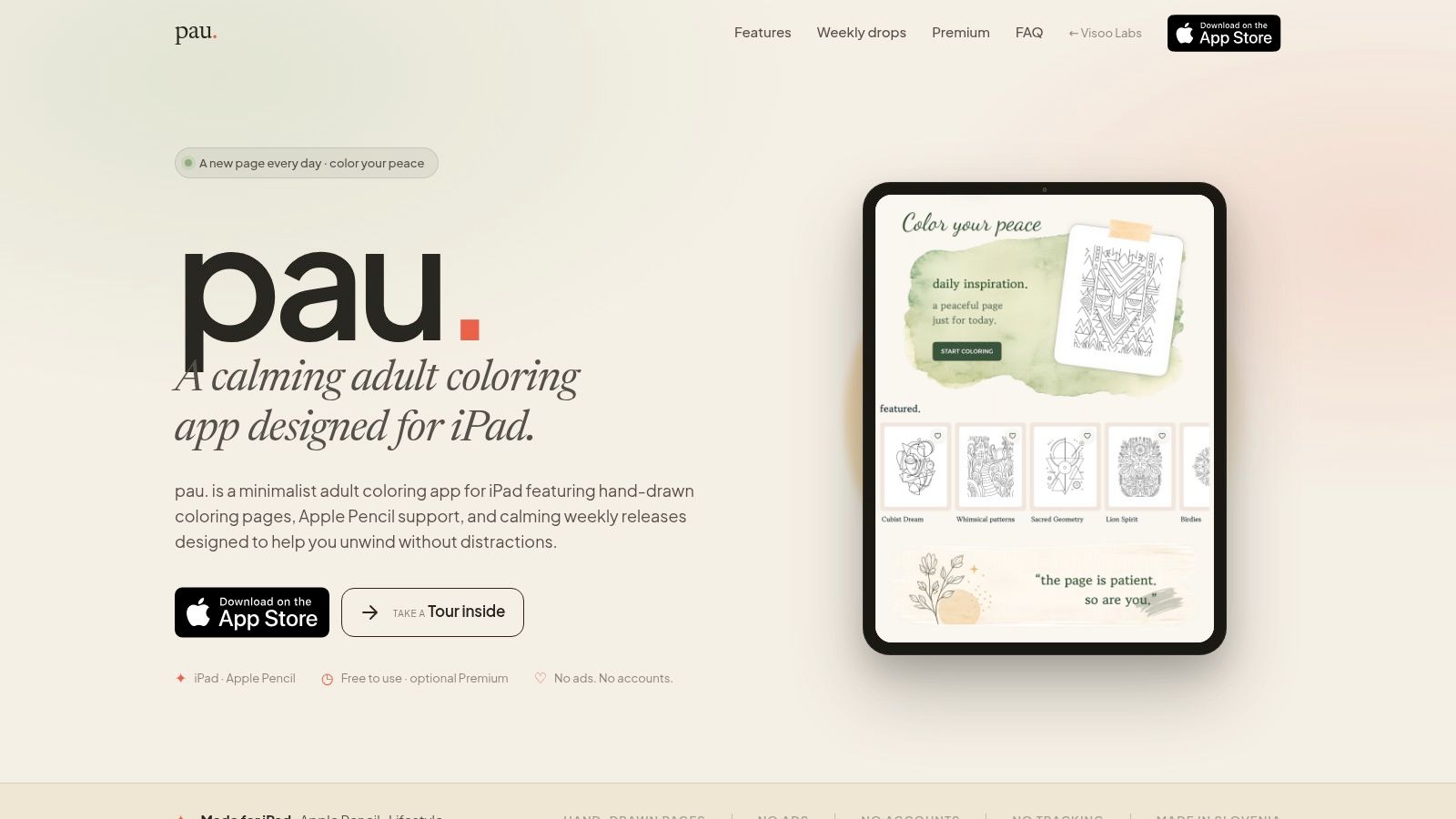
When you open your iPad after a long day, wanting ten quiet minutes with color instead of another app that nags, flashes, and asks you to subscribe before you’ve even picked a page. pau. fits that mood better than almost anything else on this list.
It feels calm from the first screen. The app is built for iPad, and that focus helps. The interface stays out of the way, the artwork gets room to breathe, and the whole experience lands closer to a private sketchbook than a mobile game.
Why pau. stands out
pau. works best for people who want to color, not just tap numbered spaces until a picture completes itself. Apple Pencil support, pressure-sensitive brushes, and soft paper textures give your hand something to do. That makes a real difference if color-by-number apps leave you cold after five minutes.
The app also avoids a lot of the stuff that ruins the mood. No ads interrupting a session. No trackers. No account gate before you start. No push notifications trying to pull you back in later. For a relaxation app, that restraint matters.
There is a nice rhythm to the content, too. You get a featured page each day and new hand-drawn illustrations on Fridays. It works offline, saves your progress automatically, and handles half-finished pages well, which is useful if you color in short bursts instead of long sessions.
“The watercolor brush is the closest thing I’ve ever felt to real paint on an iPad” (James L., App Store, 5★)
Best for
pau. is a strong fit for adults who want a restorative, private coloring app with more texture and intention than the usual free options. I also like it for two very specific moods: evening wind-down time, and those short mid-day breaks when you want to make something pretty without opening social media.
A few trade-offs matter:
- Best on iPad: Choose something else if you want the same experience across phone, tablet, and desktop.
- Free to start: You can begin without paying, but accessing the full library and premium collections requires an optional subscription through the App Store.
- Made for brush-based coloring: If your goal is fast, low-effort tapping, a color-by-number app will feel easier.
Practical rule: Pick pau. if you want a coloring app that feels quiet, tactile, and a little more artful than average. Skip it if you want instant gratification with almost no hand movement.
2. Pigment
Some coloring sessions feel like doodling on the couch. Pigment is for the nights when you want a little more control. It suits the mood of, “I want this to look good when I’m done,” especially if you use a tablet and stylus.
Its appeal is depth. You get a large set of brushes, including options that mimic pencil, marker, airbrush, and watercolor, and the app puts real emphasis on shading and blending instead of simple fill tools. That changes the experience. Pigment asks you to color with your hand, not just tap enclosed spaces.
It also gives you more range than a standard coloring book app. You can use guided coloring when you want structure, then switch into freer handwork if you feel like treating the page more like a digital sketch. Importing your own line art helps too. If you already save printable pages or make your own outlines, Pigment has more replay value than apps built around a fixed library.
The trade-off is mental effort.
Pigment works best when you want a realistic painting feel and have enough attention to enjoy the tools. If you are choosing between tablet-first apps, this roundup of the best adult coloring apps for iPad is a useful next filter. On an older device, or in a five-minute brain-break mood, Pigment can feel heavier than simpler apps.
- Best for: people who want brush control, texture, and a more art-like coloring session
- Less ideal for: quick color-by-number satisfaction or very low-effort tapping
- Free experience: good enough to try, but many of the strongest features and a lot of the library sit behind a subscription
Pigment fits a specific need in this list. Choose it when your goal is expressive coloring that feels close to digital painting. Skip it when you want instant calm with almost no decision-making.
3. Lake
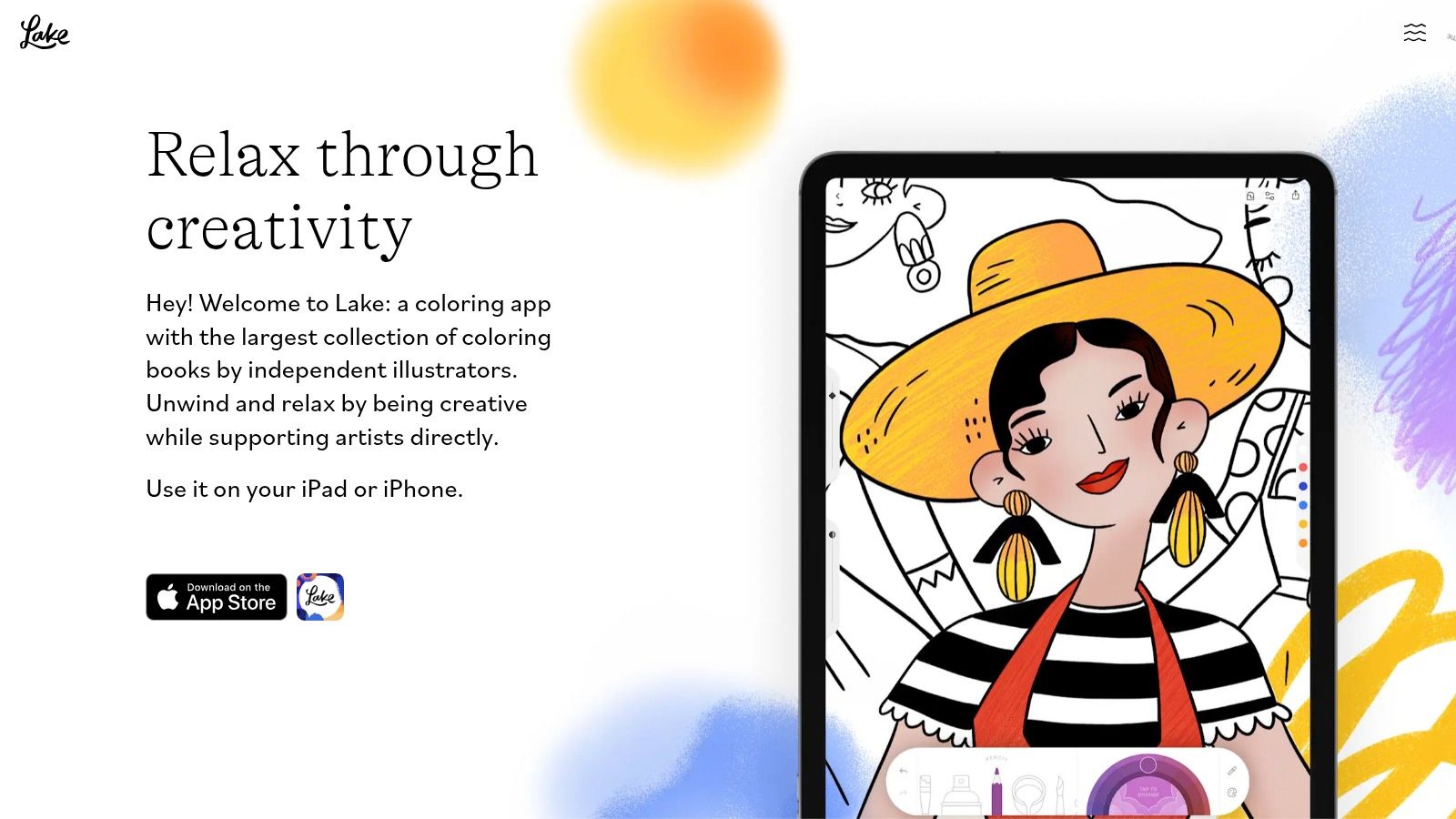
Lake suits a different mood. Open it when you want to settle into artwork that feels chosen with care, not pulled from a giant content bin.
Adobe has highlighted Lake for its artist-made pages and thoughtful organization. That matches what the app does well. The library feels editorial, with illustrations that have more personality than the generic filler you see in a lot of free coloring apps.
Who should pick Lake
Lake works best for people who care about the illustration as much as the act of coloring it. If your ideal session is quiet, aesthetic, and a little more connected to the artist behind the page, Lake is one of the better fits on this list.
The app also lands in a useful middle zone. It gives you real drawing and coloring tools, but it does not bury you in settings. I would choose it over a pure tap-to-fill app when I want a more intentional session, and over a tool-heavy app when I do not want to spend energy tweaking brushes.
That balance is the appeal.
It is especially good on a tablet, where the artwork has room to breathe and the interface feels less compressed. If you are sorting through larger-screen options, this guide to adult coloring apps for iPad helps narrow the field.
A few trade-offs matter here:
- Best for: people who want curated artwork, a calm interface, and a stronger independent-artist feel
- Less ideal for: users who want endless free pages or highly technical brush controls
- Free experience: enough to test the vibe, but many of the most appealing pages and features sit on the paid side
- Device fit: usable on phones, more satisfying on iPad or other larger screens
Lake is the app I would hand to someone who says, “I want this to feel pretty, calm, and a little more human.” If your mood is five-minute tapping, another app on this list will fit better. If your mood is slow coloring with artwork you want to look at, Lake earns its spot.
4. Happy Color by X-Flow
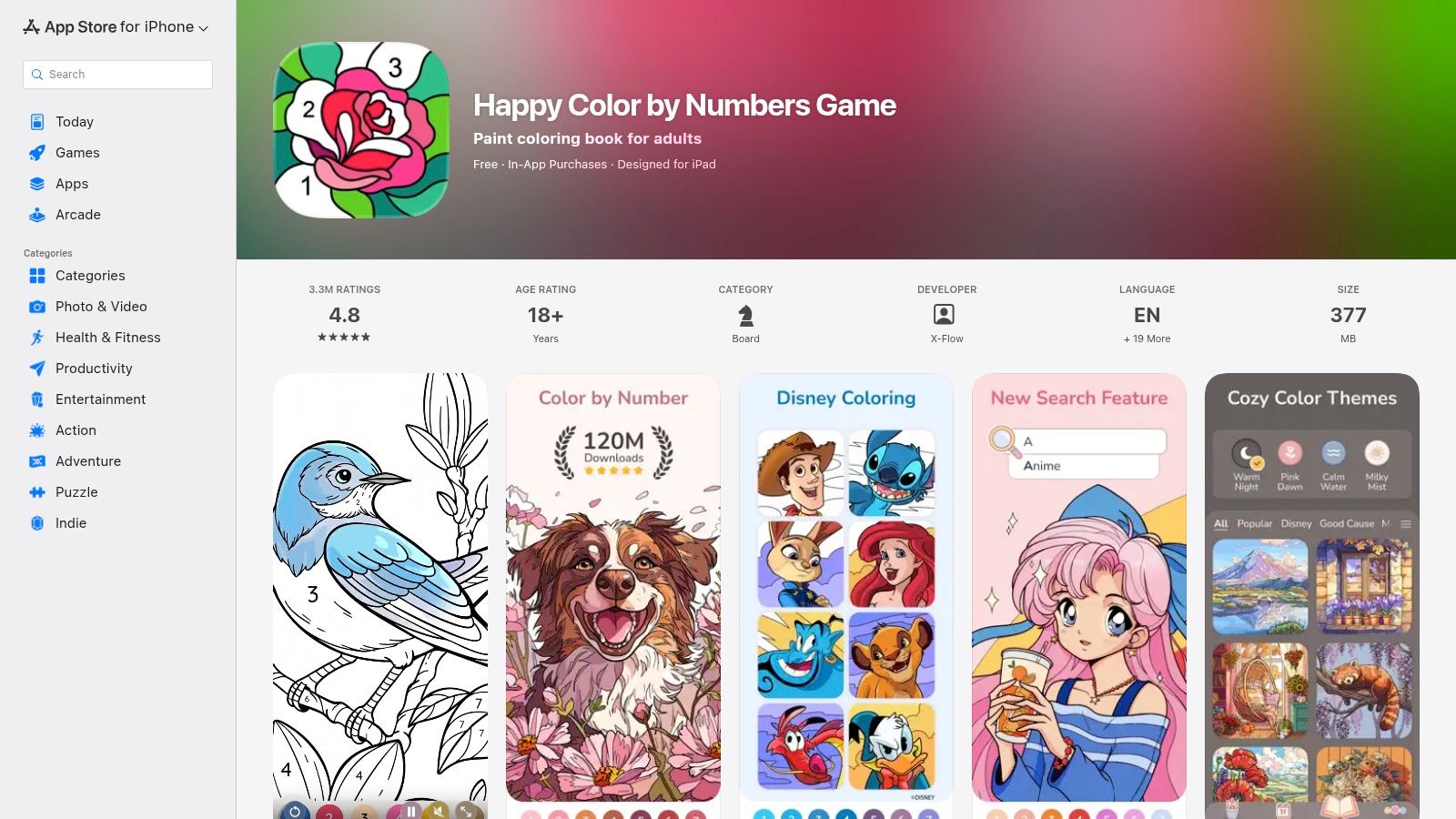
Happy Color is what I recommend when someone says, “I don’t want to think. I just want to tap something pretty for five minutes.” It is unapologetically a color-by-number app, and that’s exactly why it works.
The scale is hard to ignore. Happy Color says it offers over 40,000 free high-quality coloring pages and describes itself as loved by millions of users worldwide. That kind of library means you rarely hit that annoying moment where you’ve finished the only pages you liked.
When Happy Color works best
This is the app for low cognitive load. You don’t choose a brush, think about pressure, or worry about staying inside the lines. You tap the number, fill the area, and watch the image resolve itself. For a lot of people, that’s more relaxing than trying to make digital watercolor happen on a glass screen.
The catch is the business model. Even independent reviews of adult coloring apps point out that many “free” options rely on ads, upsells, or limited access, and Happy Color itself includes ads and in-app purchases, even with its large free catalog. If ads break your sense of calm, that’s the trade you need to think about before downloading.
- Best for: Quick breaks, couch sessions, bedtime tapping.
- Not best for: People who want a realistic hand-colored feel.
- Big advantage: Huge variety across themes, so boredom takes longer to set in.
If your stress level is high and your attention span is low, Happy Color is often the easiest yes. You can grab it from the Happy Color App Store page.
5. Recolor
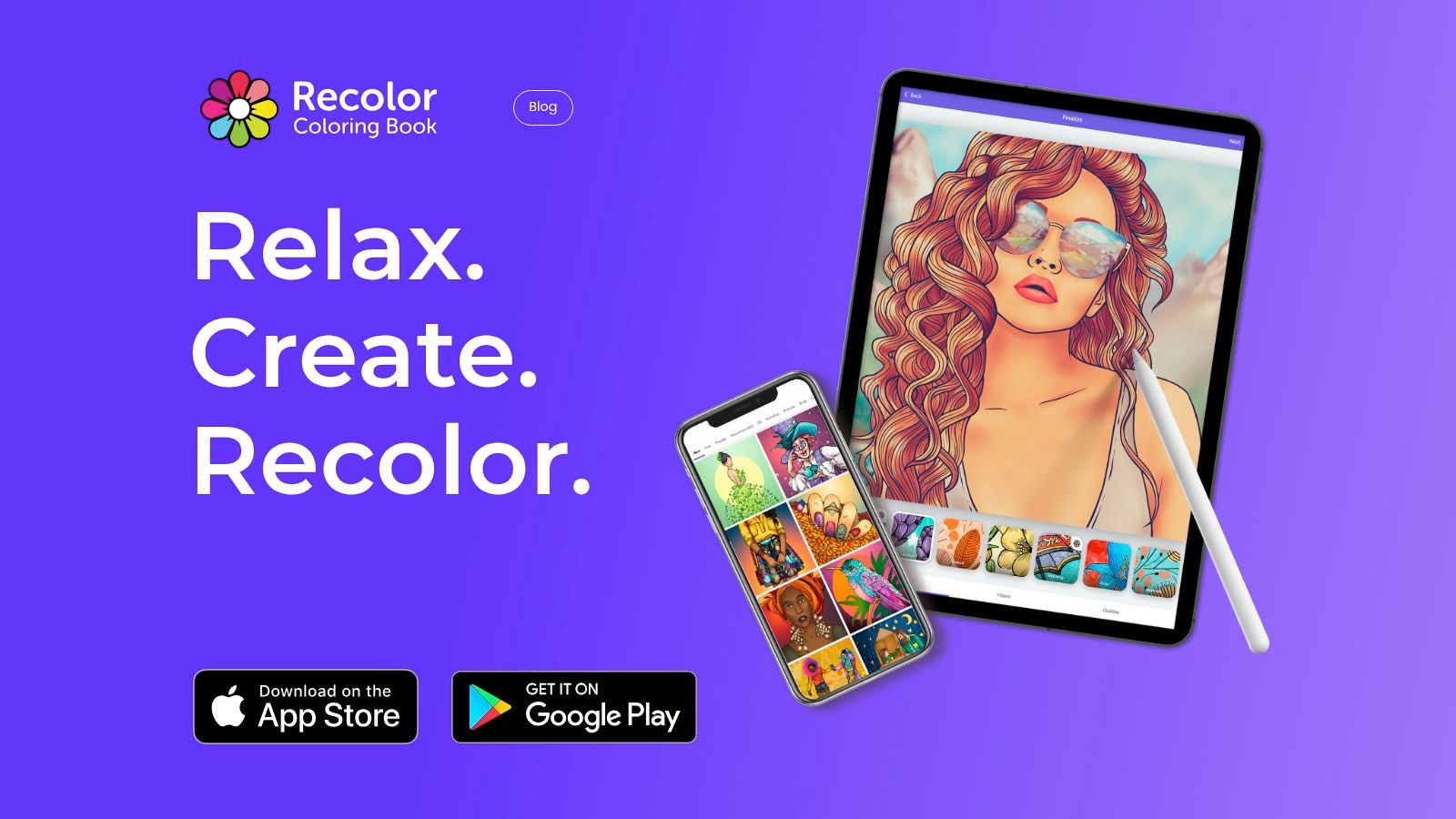
Open Recolor after dinner, finish a page in ten minutes, and you can post it before your tea gets cold. That social loop is the whole point here.
Recolor fits people who enjoy seeing what other users do with the same line art. The gallery can spark palette ideas fast, especially on low-energy days when picking colors feels harder than the coloring itself. If sharing your finished page gives you a little creative boost, this app has the right kind of momentum.
Best mood for Recolor
Recolor feels best when you want coloring to be light, expressive, and a little public. You get plenty of designs, stylized effects, and polished results without chasing a realistic paint feel on a phone screen. I’d pick it for “I want something pretty now” more than “I want to disappear into careful brushwork for an hour.”
That trade-off matters. The app rewards quick visual payoff, not hand-drawn realism. If your ideal session involves subtle texture, pressure, and the illusion of real pencils or watercolor, Pigment or Lake usually make more sense. Recolor is stronger for casual creativity, scrolling for inspiration, and finishing pieces you may want to share.
The community side can help or annoy, depending on your mood. Some people relax in total privacy. Other people relax by posting a finished page and getting fresh ideas from the feed.
If you want that same calming habit without as much social energy, this guide to mindfulness coloring for stress relief points in a quieter direction.
Watch the paywall before you get attached to specific packs, filters, or premium effects. The free version is enough to test the vibe, but the main question is simple. Do you want a private coloring ritual, or do you want a coloring app that feels alive? If it is the second one, Recolor earns its spot. You can explore it on the Recolor website.
6. Color Therapy
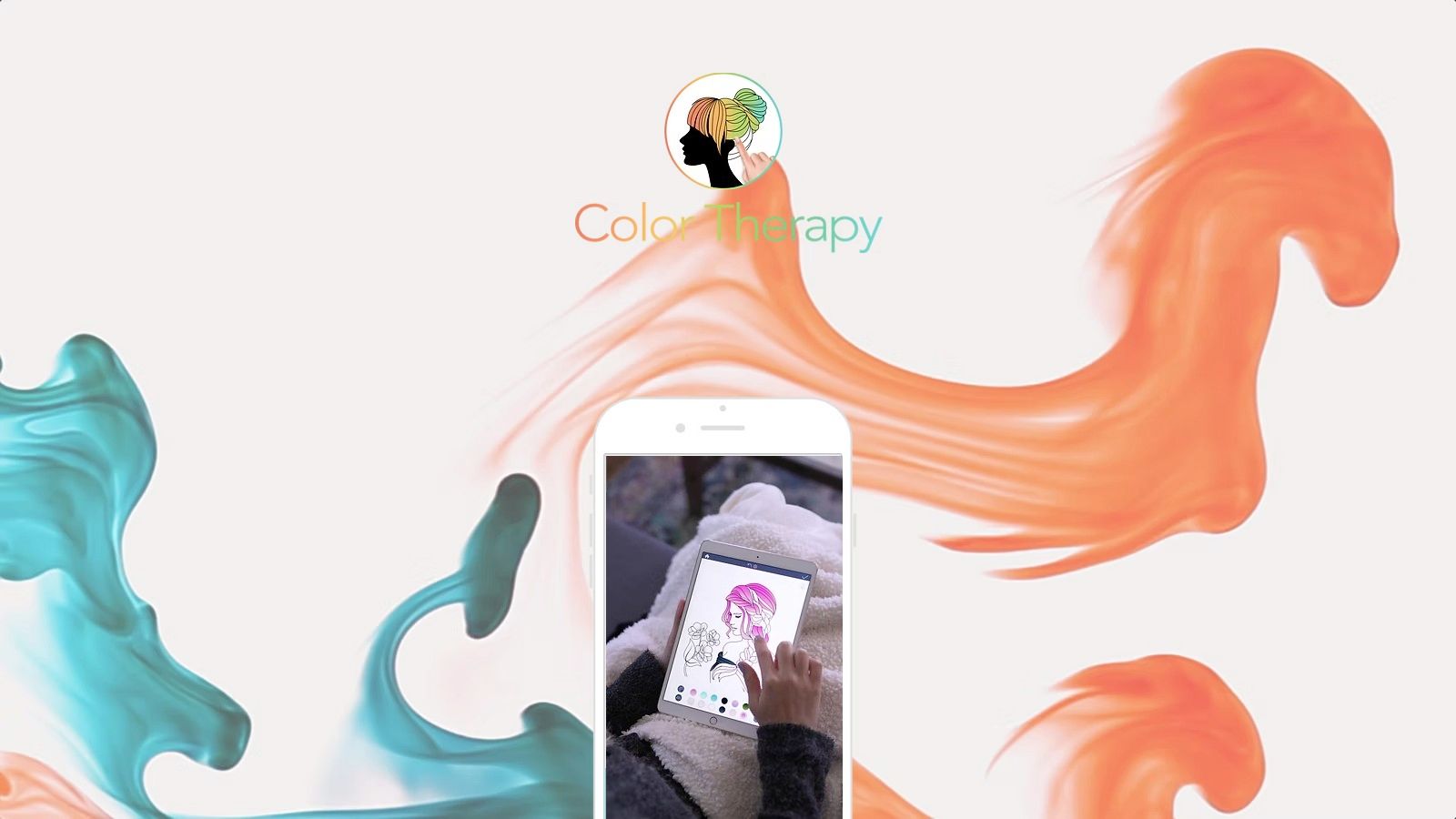
Color Therapy sits in that same broad zone as Recolor, but it feels more mood-boarded around mindfulness. It mixes coloring with curated palettes, themed sessions, community activity, and a more lifestyle-oriented vibe.
That makes it a good pick for people who don’t want a stark minimalist app. They want some inspiration, some prompts, and a little nudge from the community. If that sounds energizing rather than intrusive, Color Therapy can be a nice fit.
What makes it different
The app’s appeal is less about raw tool depth and more about guided ease. You can move between freehand and simpler coloring modes depending on your energy. The themed palettes also reduce the “blank canvas” problem, which is useful if color choice stresses you out more than it excites you.
If you like pairing coloring with mindfulness habits, this short read on mindfulness coloring fits the same mood.
A few things to be honest about:
- Social layer included: Great if you like events and community inspiration. Less great if you want total quiet.
- Free tier has limits: Full access sits behind a subscription model.
- Better for casual decompression than realism: It’s not trying to replace a proper digital painting app.
Color Therapy is worth a look on the official Color Therapy site.
7. Colorgram
You finish a page in five minutes, your brain gets the small hit of satisfaction it wanted, and the app gives you a replay of the whole thing. That is Colorgram’s lane.
A lot of coloring apps focus on the page itself. Colorgram puts extra weight on the payoff. The time-lapse playback makes quick sessions feel more complete, which matters if you like a visible before-and-after without learning brushes, shading, or anything technical.
Why people keep this one
Colorgram works best for low-effort, high-reward coloring. It uses tap-to-fill coloring, so you can open it when you want something prettier than doomscrolling but less involved than a painting app. I would point people here for the “I have a few minutes and want to finish something” mood, not the “I want to disappear into realistic coloring for an hour” mood.
The big appeal is variety plus momentum. There are plenty of pages, lots of color choices, and that replay feature gives each finished piece a little extra personality.
- Best for: Fast, polished sessions with almost no learning curve.
- Most satisfying feature: Time-lapse playback and export.
- Main trade-off: The experience is about completion and visual payoff, not nuanced brush control.
If you like hobbies that leave behind a neat little artifact, even from a short break, Colorgram earns its spot.
8. Colorfy
You open one app because you are not sure what kind of coloring mood you are in yet. Maybe you want a standard page. Maybe you want to play with effects. Maybe you want to turn one of your own photos into something colorable. Colorfy still earns attention for that kind of flexible, all-purpose use.
Its age shows, but not only in bad ways. Colorfy has had time to build out different styles, themed collections, and custom-image importing, which gives it a longer shelf life than apps that rely only on a fixed batch of built-in pages. If you get bored easily, that matters.
Where Colorfy fits
Colorfy suits the person who wants options more than purity. I would put it in the “one app that can cover a few different moods” bucket, rather than the “best at one very specific thing” bucket. It is useful when you do not want to commit to a realistic painting app, but you also want more freedom than a simple tap-to-fill experience.
The import feature is the part that keeps it relevant. Built-in libraries always start to feel familiar after a while. Being able to work from your own images gives the app a second life, especially if you like browsing digital coloring books and printable-style pages outside the app and want more variety.
There is a trade-off. The interface feels busier than newer apps with a calmer design, and the free version can interrupt your flow with ads and locked packs. Some people will shrug that off because the app does a little of everything. Others will decide the extra visual noise defeats the point of coloring in the first place.
- Best for: People who want one app with multiple ways to color, including custom image imports.
- Strongest reason to keep it: It stays useful longer than many single-format coloring apps.
- Main trade-off: The free experience can feel cluttered, both in layout and in monetization.
You can visit the Colorfy website.
9. Zenful
Zenful is for the person who wants calm first and quantity second. The app’s whole pitch is coziness. Not hype, not giant content sprawl, not a social feed that wants your attention every few minutes.
That quieter focus makes it easy to recommend to people who have tried louder coloring apps and bounced off them. It offers a free daily page, Apple Pencil support, and a cleaner overall feel than many mainstream options.
Who it’s best for
Zenful works best as a short-break app. You open it, do a page or part of one, and close it without feeling like you entered a content machine. That’s a real advantage if your goal is regulation, not entertainment overload.
The flip side is scale. Compared with long-running category leaders, the library feels more curated and smaller. Some people will love that. Others will burn through the parts they like and want more breadth.
If ads and visual clutter ruin the point of coloring for you, a smaller calm app can beat a giant noisy one.
If you’re into digital books and curated page libraries, this guide to digital coloring books pairs well with Zenful’s style.
You can check it out on the Zenful App Store page.
10. Pikolor
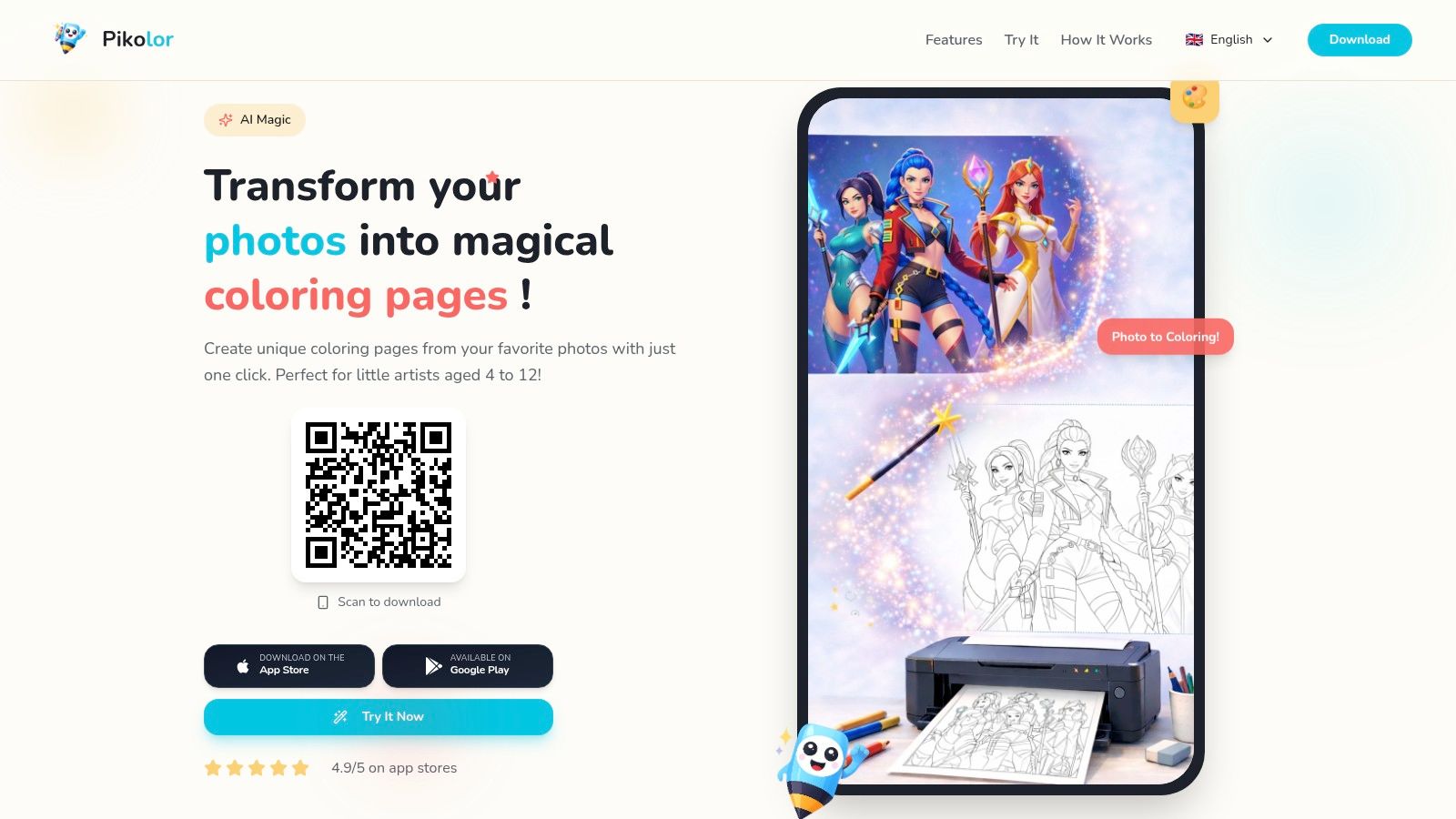
Pikolor solves a different problem from every other app on this list. Instead of asking whether you want mandalas, flowers, or seasonal scenes, it says: what if your next coloring page was your own dog, your vacation photo, or a family snapshot?
That personalized angle keeps the app fresh in a way stock libraries sometimes can’t. When the page means something to you already, coloring it feels less disposable.
Best use case
Pikolor is best when you’re bored by generic libraries and want your own source material. The app converts photos into line art, then lets you color them in the app. It works on iPhone and iPad, and it’s also available on Android, which makes it more flexible than some iPad-centered options.
The trade-off is consistency. Photo conversion depends on the original image. A clean pet portrait or simple travel shot usually works better than a chaotic group photo with messy lighting and lots of background detail.
- Great for: Personalized gifts, pet pages, travel memories, family photos.
- Less great for: People who want a huge polished built-in art library.
- What to expect: Simpler tools than full creative suites, but a more personal result.
If custom pages sound more fun than endless browsing, try the Pikolor app.
Top 10 Free Coloring Apps Comparison
A comparison table is useful here because these apps are solving different moods, not just the same job with different logos. Some are better for slow Apple Pencil sessions on an iPad. Others are better when you are on your phone, half-distracted, and just want to tap through something pretty for five minutes.
| App | Core experience & tools | Privacy & UX | Content cadence & variety | Pricing & value | Best for |
|---|---|---|---|---|---|
| pau. | Pressure-sensitive Apple Pencil brushes, soft paper textures, hand-drawn pages | No ads, trackers, or accounts; offline auto-save; uncluttered UI | Daily featured page plus regular themed additions | Free to start; Premium subscription gives access to the full library, organization tools, and new weekly content | Adults on iPad who want quiet, tactile, mindful coloring |
| Pigment (Pixite) | Realistic brushes for pencil, marker, and watercolor; import line art | Polished, tablet-friendly interface; can feel heavier than simpler apps | Rotating free selection with a much larger paid catalog | Free tier; Premium subscription for full tools and content | People who want the closest thing to traditional coloring and shading |
| Lake: Coloring Book | Artist-curated books, blending, opacity control, and tutorials | Gentle interface with optional sound and a strong artist-first feel | Curated collections instead of an endless-content approach | Free limited content; many premium books are paid | Users who care about illustration quality and supporting artists |
| Happy Color (Color by Number) | Tap-to-fill color-by-number workflow with a huge library | Ad-supported free tier with upsells and notifications | Frequent new pages across a wide range of themes | Free with ads; subscriptions or in-app purchases to remove ads and access packs | Casual users who want fast, low-effort relaxation |
| Recolor | Large page library plus effects, filters, and stylized finishes | Social gallery, community features, and easy sharing | Frequent additions, themed collections, and trend-driven content | Free limited version; subscription gives access to the full library and effects | People who enjoy sharing finished pages and experimenting with visual styles |
| Color Therapy | Curated palettes, events, plus optional color-by-number and freehand modes | More active social experience with feeds, events, and notifications | Regular themed challenges and palette-driven content | Free limited version; VIP or All-Access subscription for the full feature set | Social colorists who like prompts, events, and a little structure |
| Colorgram | Tap-to-fill coloring with a broad palette and time-lapse export | Straightforward interface built for quick sessions and shareable results | Large page selection with steady new additions | Free limited version; packs or subscription for full access | Users who want simple tap coloring and satisfying playback clips |
| Colorfy | Mix of freehand and tap-to-fill, plus image import | Familiar interface, though busier than the calmest apps; ads in the free tier | Frequent themed updates and a community gallery | Free with ads; many packs sit behind in-app purchases or subscription | People who want variety and like switching between guided and freer coloring |
| Zenful: Cozy Coloring | Minimalist iPad experience with Apple Pencil support and cozy page sets | No ads; calm, distraction-free design; free daily page | Curated cozy collections with regular updates | Free daily page; trial period, then subscription for the full catalog | People who want short, restorative sessions without interruptions |
| Pikolor (Photo to Coloring) | Turns personal photos into line art, then lets you color them with simple tools | Easy camera-roll workflow; available on iOS and Android | Variety comes from your own photo library rather than a built-in catalog | Free basic app; some features or exports may require in-app purchases | Users who want personalized coloring pages from pets, trips, and family photos |
The quickest way to read this table is by mood.
For realistic brush feel, Pigment and pau. lead. For a calmer, more curated experience, Lake and Zenful are easier to live with. For quick tap-and-go sessions on a phone, Happy Color and Colorgram make the most sense. For something personal, Pikolor does a job none of the library-based apps can match.
That difference matters more than feature count. The best free coloring app is usually the one that fits your energy level, screen size, and patience for ads or subscriptions on the day you open it.
How to Choose Your Perfect Digital Crayon Box
The best app usually comes down to one question. What do you want this session to feel like?
A good free coloring app can be a quiet sketchbook, a paint-like toolset, or a five-minute phone distraction between errands. Problems start when the app’s style and your mood do not match. A brush-heavy app feels demanding when you only want to tap something pretty. A tap-to-fill app feels flat when you were hoping for real shading and pencil control.
Start with the mood, then match the app.
For calm, low-noise sessions, pau. and Zenful are the easiest to settle into. They leave more breathing room on screen and create less friction once you start coloring. That matters if you are using coloring to slow your brain down, not chase badges, streaks, or constant prompts.
For a more hands-on art feel, Pigment and pau. make more sense. Brush response, layering, and Apple Pencil support matter more here than page count. These are the apps I’d pick on an iPad when the goal is to color, not just fill shapes as fast as possible.
For quick relief on a phone, Happy Color and Colorgram do the job better. They ask less from you, which is part of their appeal. If you have five minutes in a waiting room or want something satisfying before bed, tap-to-fill usually beats a more detailed painting interface.
Lake is the better fit for people who care about illustration and want the pages to feel selected, not piled high. Pikolor is the outlier pick when you want something personal, because turning your own photos into coloring pages creates a different kind of attachment than browsing a generic catalog.
Then check the free model carefully. A lot of “free” apps stop feeling free within it. Some are generous with daily pages or core tools. Others give you a pleasant first session, then push ads, subscriptions, or narrow page access hard enough to change the whole experience.
Device matters too. iPad users, especially with Apple Pencil, will get more from brush-based apps. Phone users often have a better time with simpler tap-to-fill designs that work well in short bursts and on smaller screens.
The practical move is to test two kinds of apps, not ten. Pick one for realistic coloring and one for effortless stress relief. After a few days, the right choice is usually obvious. It is the one you keep opening without having to convince yourself.
If you want the quietest place to start, pau. is still one of the easiest recommendations in this list. It gives you a free way in, feels especially good on iPad, and avoids the ad-heavy clutter that makes some coloring apps feel more restless than relaxing.
Frequently asked questions
What is the best adult coloring app for iPad?
The best adult coloring app depends on your preferences. pau. is ideal for calm, minimalist coloring, while Pigment is better for users who want huge libraries and advanced coloring tools.
What is the best coloring app for Apple Pencil?
pau., Pigment, Lake, and Tayasui Color all work well with Apple Pencil. pau. is especially optimized for a smooth and relaxing iPad coloring experience.
Are adult coloring apps free?
Most coloring apps offer free versions with optional premium subscriptions that unlock full libraries and exclusive content.
Can coloring apps help with stress?
Many people find coloring relaxing because it encourages focus and slows down mental overstimulation. Coloring can be a calming activity, though it is not a replacement for professional mental health support.
What should I look for in an adult coloring app?
Look for Apple Pencil support, quality illustrations, a relaxing interface, regular content updates, minimal ads or interruptions, and a calming overall experience.
Tina Mrak writes the pau. journal from Ljubljana — usually on slow afternoons, often while coloring.