Digital coloring books for iPad and iPhone.
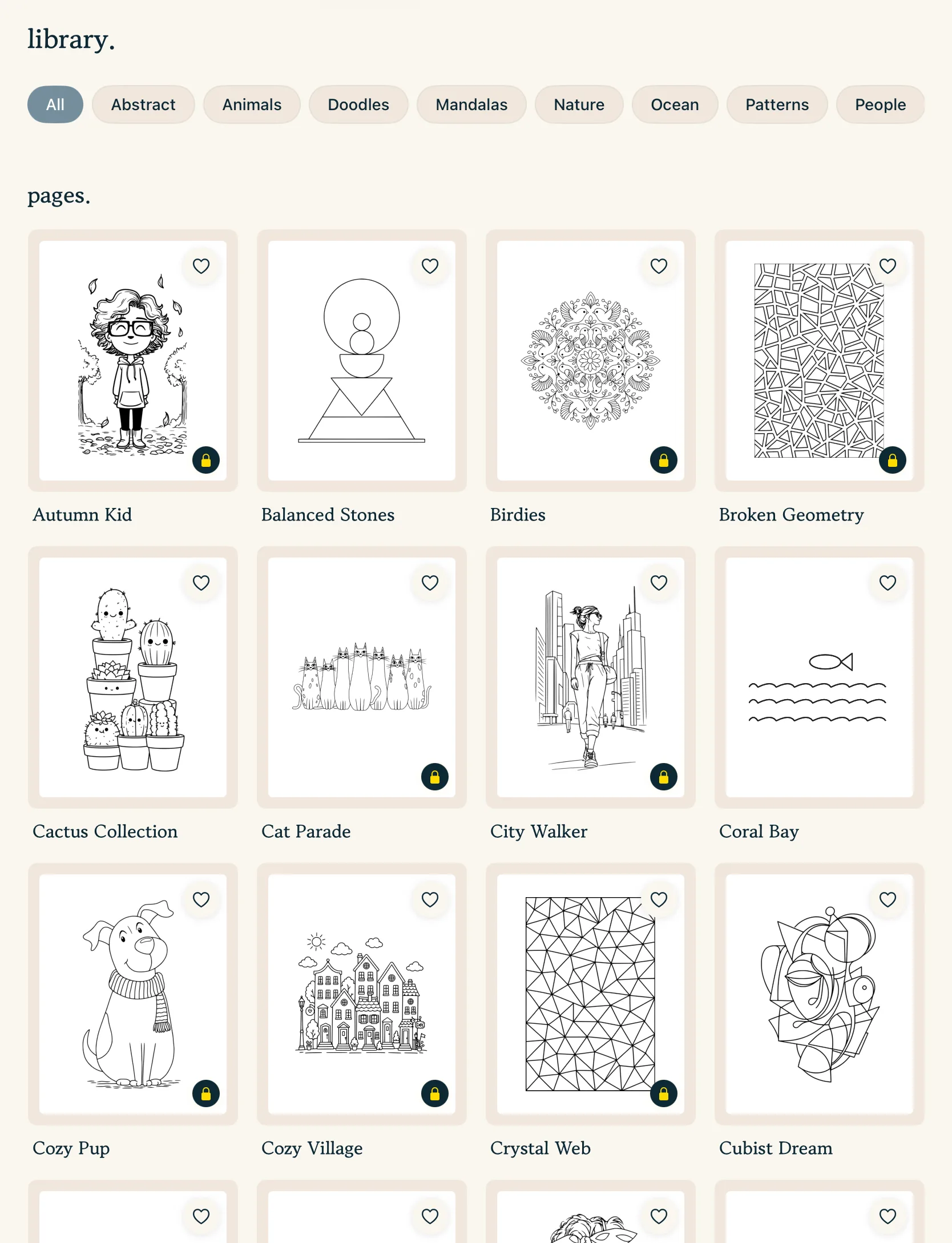
13 hand-drawn collections, 160+ pages, and about four new pages every Friday. Color them with Apple Pencil or your finger, no paper or supplies needed.

The collections inside pau.
Every page is hand-drawn and sits in one or more collections, so you can browse by mood or by how much detail you're up for. Page counts are from the app in November 2026. Each card links to free printable samples from that collection.
 Nature & Landscapes Mountains, coastlines, forests, and quiet skies.
 Cute & Kawaii Soft characters and cozy objects for a lighter mood.
 Animals & Wildlife Owls, cats, monkeys, birds, and the occasional lion. Detailed & Advanced Dense, intricate pages for long sessions.
 Whimsical & Playful Floating islands, monsters, and odd little worlds.
 Minimal & Easy Bigger shapes for five-minute breaks or tired evenings.
 Floral & Botanical Flowers, leaves, and botanical patterns.
 Fantasy & Surreal Dreamlike scenes that reward bold color choices. Geometric & Abstract Shapes and structure for experimenting with palettes.
 Architecture & Places Villages, lighthouses, and places to wander.
 Patterns & Textures Repeating patterns that are calm to fill. People & Portraits Faces and figures, from simple to detailed. Mandalas & Symmetry Symmetry for slow, repetitive coloring.
Digital vs printable coloring books
Paper has its own pleasures: the drag of a pencil, a finished book on the shelf. A digital coloring book gives you different ones. You can undo, try a second palette on a duplicate, and carry the whole library in your bag.
Fill and stay-inside-the-lines clipping take care of the careful edges, so a page that would take an hour with pencils can be a ten-minute break. Brushes respond to Apple Pencil pressure, from soft pencil and watercolor to gouache and oil.
Many "digital coloring books" sold online are PDFs meant for Procreate or for printing. pau. is different: the pages live inside the app, arrive weekly, and come with brushes made for coloring. If you prefer paper, our free printable coloring pages use the same hand-drawn style.
Make your own pages, too
Have a drawing on paper? Scan it with your camera and pau. turns it into a page you can color. Scanning happens on your device and is free, and so is the mandala maker, which builds patterns with 4 to 20 symmetry sectors.
With Premium or the one-time tools unlock you can also start from a blank canvas or import a coloring page image. Everything you make lives in My Works next to the library pages.
Curious how the app compares to others? See our guide to the best coloring apps for iPad, or read more about pau. as an adult coloring app.
Questions
What is a digital coloring book?
A digital coloring book is a set of line-art pages you color on a screen instead of paper, usually with a stylus like Apple Pencil. In pau., pages are grouped into collections, save automatically, and can be colored with fills, brushes, or both.
How many pages are free?
A selection of pages from across the collections is free, with no time limit, plus a featured page each day. Premium unlocks the full library of 160+ pages and every new weekly release.
Can I import a PDF coloring book I bought?
Not directly. pau. imports single coloring page images in PNG, JPEG, HEIC, or TIFF format, up to 25 MB, with Premium or the Unlock All Tools purchase. Export the PDF pages you want as images first. Only import pages you have the right to use.
Can I print the pages?
The pages inside the app are for coloring on screen. If you prefer paper, we publish free printable coloring pages from the same illustration style on this site.
Do digital coloring books work offline?
Yes. Pages you have opened stay on your device, so you can keep coloring on a plane or anywhere without a connection.
Your quiet coloring shelf, always nearby.
Download pau. and start with today's featured page. It's free.